 SHEYU.AI
Screenshots show the past; a question to your POS can shape the next move
Restaurant POS screenshots record a moment but cannot answer a follow-up. SHEYU AIPOS turns queries and actions into a conversation, with confirmation before anything changes.
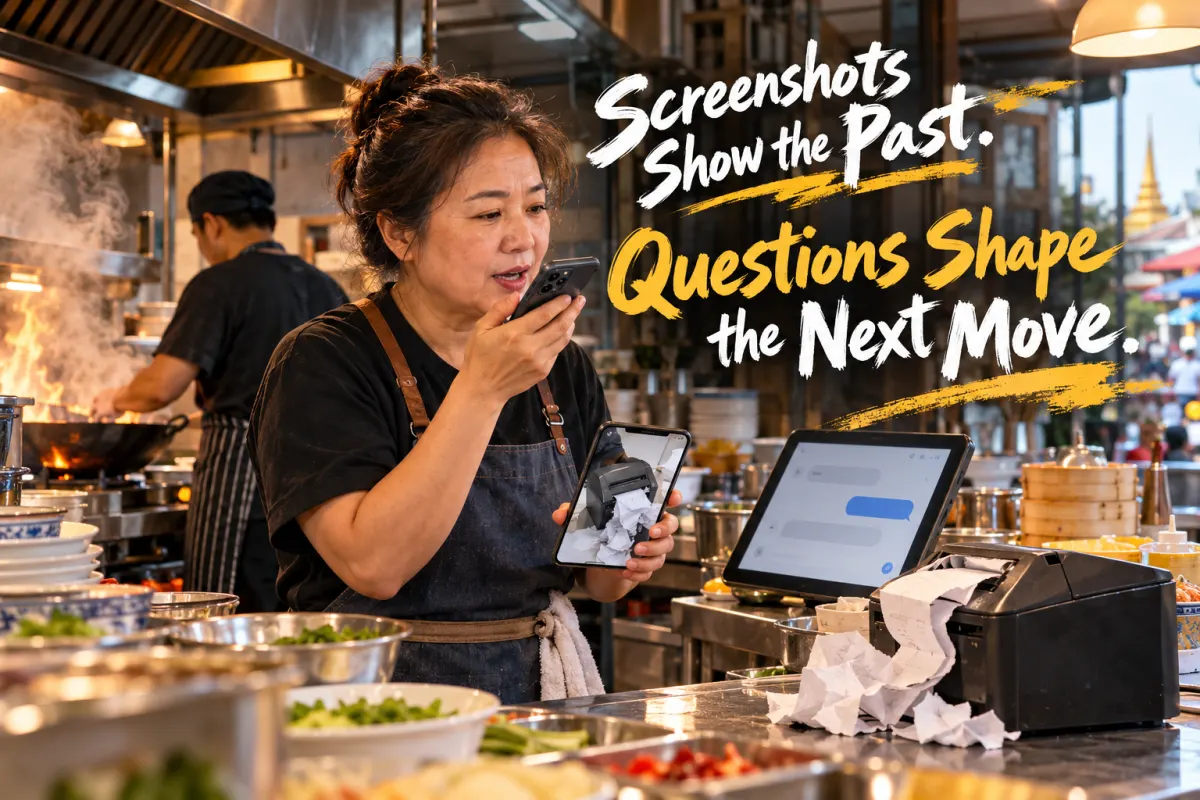
Screenshots of a restaurant POS system are a common sight in an overseas Chinese owner's phone gallery: a photo of a jammed kitchen printer, a shift handover that does not reconcile, a month-end glance at which dish earns the most. The photo goes into a work group chat, and everyone waits for a reply.
The conclusion first: the screenshot is not the problem. The problem is that operating data can only be looked at, not asked about. Replacing "photograph it, post it, wait for an answer" with "ask the POS a question, confirm, and let it act" is a habit an overseas store can change now.
SHEYU AIPOS, the AI POS system under SHEYU, is officially positioned as "the first AI steward for restaurant people." It aims to do exactly this: turn checking accounts, adjusting prices and issuing coupons from digging through reports into saying one sentence. It is a POS system supporting nine business types including tea drinks, full-service dining, hotpot, takeaway and retail, with QR-code ordering, a member mall, and cash collection that continues when the network is down.
A screenshot is an outcome, not an entry point
Restaurant POS screenshots usually come from three places: the POS main screen, a report page, a back-office configuration page. They record a single moment — how much was sold today, which dish earns the most, how many new members joined last week.
Those answers were never meant to travel by screenshot. A screenshot is good for keeping evidence, not for serving as a query entry point: it captures one page only, and a follow-up question — "and last week?" "which dish earns the most?" — requires another photo.
SHEYU AIPOS takes a different approach. The owner opens the AIPOS merchant app and finds no tab bar at the bottom; the whole screen is a dialogue box with the "AI steward." Type a question, or tap the microphone at the right edge and speak it. The answer is drawn from the store's real data, and opens with a snapshot of the day's business.
Suppose an owner of a tea shop in Bangkok arrives in the morning and wants yesterday's revenue. Instead of navigating three levels of menus to find a report, they say "how much did we sell yesterday" to the phone, and the steward reports the number. The screenshot step is replaced by one sentence.
This answers a common question: what is the difference between a POS screenshot and asking the system directly? A screenshot is a static snapshot that needs a person to relay it and someone else to reply. A conversational query is immediate, the answer comes straight from store data, and you can keep asking follow-ups.
Answering is not the skill; acting is

A screenshot can only be looked at, not changed. What really consumes time is the action that follows: sending a coupon to dormant members, changing the price of a dish, asking the system to calculate how much stock to replenish.
The AI store manager in SHEYU AIPOS supports natural-language operation of the POS: issuing coupons, adjusting prices, replenishing stock, checking gross margin. It patrols the store proactively every day and pushes anomalies straight to the phone. The key is how it executes — every step first produces a preview card, and nothing happens until you tap "confirm execution." Only the owner or a super-admin can perform write actions, and a full trail records who had the AI do what.
This design matters especially for overseas teams. With multiple languages, time zones and stores, an owner cannot watch the back office 24 hours a day. Suppose a store manager wants to issue a coupon at night for the next day's promotion: the AI produces a preview, the manager confirms, and the coupon is already in the system when the store opens — rather than waiting for business hours and doing it by hand.
Another common question: could letting AI change prices and issue coupons directly cause mistakes? The answer lies in the gates — preview card, confirmation before execution, write access limited to the owner or super-admin, and a full audit trail. The AI proposes; a person nods before anything lands.
One boundary needs stating: offline cash collection in SHEYU AIPOS supports cash only. QR payment, member balances and group-buying vouchers require a network connection. Transactions queue locally and upload automatically once connected, and a flaky network will not turn one payment into two. In regions with unstable connectivity, this is worth explaining to staff in advance.
Beyond screenshots, a path of proactive store patrols
By the time an owner remembers to take a screenshot, the problem has usually been sitting there for a while. The AI business alerts in SHEYU AIPOS patrol the store automatically every day and push problems to the phone; paired with the AI steward, one tap hands the matter over for action.
Tapping into the alert carries the issue into the steward's input box, ready for review before sending. From spotting a problem to handling it, there is no need to take another screenshot and wait in a group chat.
For multi-store overseas teams, the "to handle today" workbench ranks refunds awaiting approval, near-expiry batches, printing failures, orders awaiting pickup, takeaway anomalies and low stock by urgency, showing only items that need attention and linking straight to each. When there is nothing, it reads "nothing to handle today."
Beyond screenshots, there is a general practice: make a fixed daily patrol of key metrics a process, rather than digging through records only after something goes wrong. The metrics are yours to set — revenue, gross margin, near-expiry batches, pending refunds — but the point is to look at the same time every day, with someone responsible.

How to start: change the habit, beginning with one screenshot
If you run a single store, one next step: take the question behind your most recent screenshot and ask it aloud to the AIPOS merchant app of SHEYU AIPOS. For example, "which dish had the highest gross margin this month," "how many new members last week," "which ingredients are close to expiry." The AI steward in SHEYU AIPOS answers spoken questions without navigating reports, and its business diagnosis goes beyond numbers to explain where the problem lies and what to do next.
If you are still choosing a system, check three questions: can the questions behind your screenshots be answered directly; do the AI's proposed actions require human confirmation before execution; and which payment methods still work when the network is down. The first two map to conversational queries and preview confirmation; the third should be explained to staff in advance.
If you are looking for a POS system to carry this, SHEYU AIPOS puts POS ordering, inventory and cost, member marketing and the AI store manager in one system, priced by store size and the functions you need — buy only what you use. Tea drinks, full-service dining, hotpot, takeaway and retail all run on the same POS, with support for Chinese, Traditional Chinese, English and Thai, and for RMB, Thai baht and US dollars.
If you manage an overseas team, check two things. First, whether store language and currency are configured: SHEYU AIPOS supports Chinese, Traditional Chinese, English and Thai, RMB, Thai baht and US dollars, plus domestic electronic invoicing and overseas VAT. Second, whether write permissions are open only to the owner and super-admin, to prevent staff errors; the AI produces a preview card at every step, executes only after you confirm, and keeps a full trail of who had the AI do what.
Another common question is who a restaurant POS system suits. Single-store owners care about flipping through fewer reports and waiting less for replies; multi-store teams care about layered permissions and proactive anomaly alerts. Both needs can land in the same system, with different configuration priorities.
The restaurant POS screenshot itself is not wrong. It simply leaves operating questions at the level of looking. What SHEYU AIPOS sets out to do is move the owner from photographing and asking people to asking the system aloud and letting it act after confirmation.
It should be said that conversational queries are not the only answer: scheduling key reports as a daily push, or having the store manager report numbers verbally at handover, are also workable. The difference is that the former can follow up and trigger actions directly, while the latter depends on people executing.
A screenshot records a moment; a sentence can move something forward. For an overseas store, one less wait for a reply is one more chance to run the business smoothly.
A suggested next step: bring a day's trading data and check it against the three items above — can the answer be asked directly, do actions need human confirmation, which payments work offline — to see which step your checkout process is missing.