 SHEYU.AI
Microsoft makes Copilot optional: what SMEs should ask before buying AI software
Microsoft will make Copilot optional in Windows 11 search by end-2026, a signal that SMEs should ask whether work still gets done with the AI switched off.
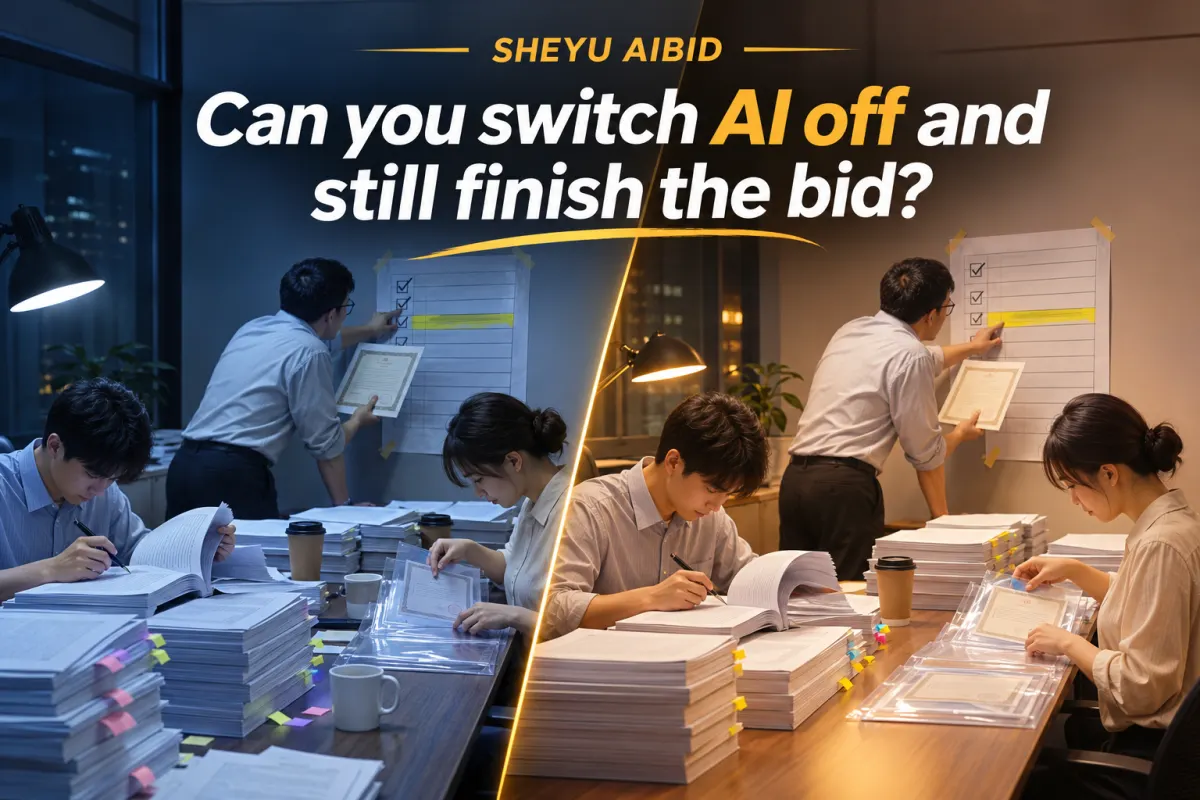
Microsoft has confirmed that Copilot will be integrated into the new Windows 11 search interface due by the end of 2026, and that it will be offered as an optional feature users can choose to enable. On the surface this is a system update. For small and medium-sized business owners, it is a procurement signal: AI features are shifting from "on by default once installed" to "you decide whether to turn it on." Our view is that before buying any AI business software, the first question should be: with it switched off, can my work still get done?
Why Microsoft handed over the switch now
According to a November 6 report by Kuaikeji, Microsoft earlier this year tried to promote a highly integrated Ask Copilot feature and met resistance from some users because it lacked an off option. The report explains the reversal as an effort to reduce internal feature redundancy, with returning the choice to users seen as better for overall reputation.
The mechanism is not complicated. Once AI is inserted into the default path of everyday tools, users pay not only a subscription fee but three other things: learning cost, the risk of misoperation, and the difficulty of assigning responsibility when something goes wrong. For individuals this is a user-experience issue; for companies it is a bookkeeping issue.
So "switchable" is not Microsoft being generous. It reflects a market that has been educated. Enterprise customers are starting to ask: which step does this AI actually do for me, and can I not use it when I don't want to?
Which tasks are affected first for SMEs and going-global teams
The most direct impact is on business tasks where a single mistake is expensive. Bidding, for example.
Going-global teams and SMEs share a common bidding situation: not many bids, but not one of them can be lost. Tender documents run to dozens or hundreds of pages, with requirements scattered across chapters. Someone has to compare page by page and check whether qualification materials are attached to the right item. People get tired and miss things, and one missed item can void a bid.
Here the value of AI is not how beautifully it writes for you, but whether it can put "which requirement corresponds to which piece of evidence" in plain view for you to judge yourself. This aligns with the logic of Microsoft's "switchable" move: a tool must be inspectable, switchable and open to challenge, not a black box that hands you a paragraph of text.
What SHEYU AIBID can and cannot do at this step
According to the official description, SHEYU AIBID parses tender documents page by page into a requirements list with page-number sources, attaches real evidence from the company's material library to each item, and then drafts by volume and section. It also has 18 compliance rules for self-checking and simulated review, and locks the export if materials are incomplete.
Two things are worth making clear.
First, page-number sources are the key. What it gives you is not a response that "looks like" an answer, but a requirements list you can trace back to the original text and verify. The boss or bid lead can review it personally. This is the equivalent of that "switch": if you don't trust it, you can turn it off and look again.
Second, locking the export when materials are incomplete is a constraint, not omnipotence. It forces you to complete the evidence before submission, but what to add and whether the material library contains it still depends on the company's own accumulated records. If the library is empty, the tool cannot conjure evidence.
What it also cannot do: it cannot decide for you whether to bid on a project, cannot replace understanding of the tenderer's intent, and cannot guarantee a win. What it manages is "don't lose on your own side because you missed a requirement or attached the wrong material."
The preparation needed now is not buying a tool
Microsoft's reversal reminds every operator of one thing: the procurement standard for AI tools is changing. The old question was "what features does it have"; the new question should be "how do I spot it when it errs" and "does the process still run when I don't use it."
For tasks like bidding, start with something that costs nothing: organize common evidence such as company qualifications, track record and personnel certificates into a list you can retrieve at any time. Whether a tool can catch it depends on whether you have real material on hand to attach.
As for whether to adopt AI, once this list is clear, the answer will surface on its own.
The real test for AI entering a company is not how smart it is, but whether the boss can switch it off at any time without disrupting the business.